Just a few things to Get you Started...
(click above for blogging and connecting to the projector...)
QR Codes
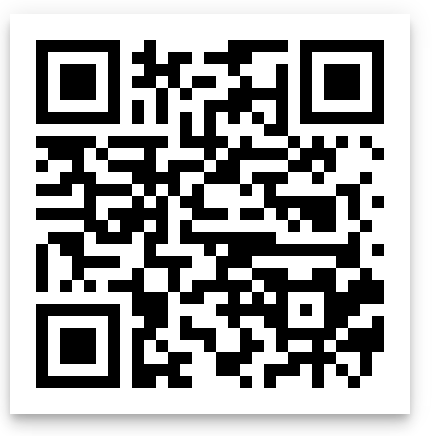
QR Codes provide quick access to online "stuff"... this could be websites, files, or simply text. To use QR Codes you need to have a QR Code (make one or copy one) and a reader to read the code.
We use i-nigma for reading the codes.
For creating QR Codes there are many choices... my favorites are:
http://i-nigma.com/CreateBarcodes.html (At this site you can add a title to the QR Code which makes it easier to know which QR Code is which!)
http://www. qr-code-generator.com
Suggested Apps
Book Creator
$4.99 Make digital books EASY!
https://itunes.apple.com/us/app/book-creator-for-ipad-create/id442378070?mt=8

To download from the app store for Apple: https://itunes.apple.com/us/app/i-nigma-qr-code-data-matrix/id388923203?mt=8
Link for parents or others who may use non-Apple or Apple devices: